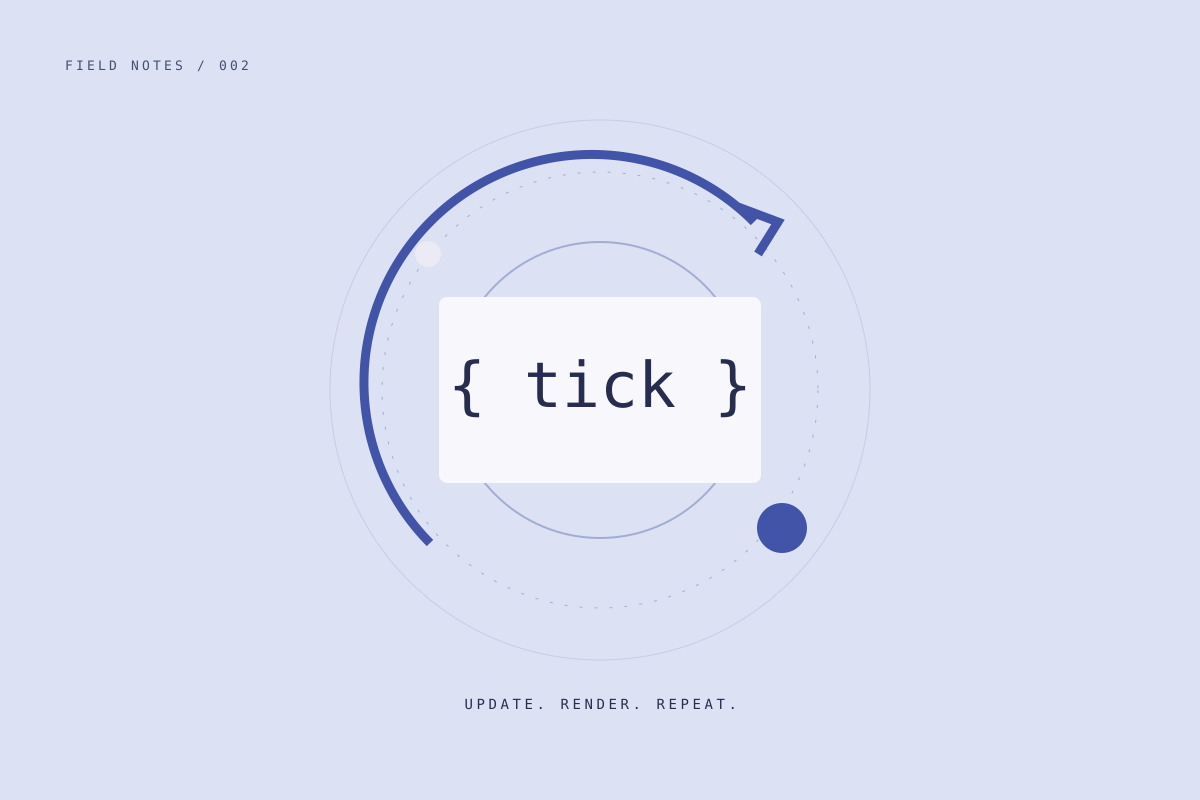
A game can look complicated while doing a very simple thing: read what is happening, update the world, draw the result, and repeat. This sample MDX article walks through that pattern without introducing a game framework.
Update and render are different jobs#
Updating changes the model: a ship moves, a timer advances, or a collision changes a state. Rendering turns the current model into something the player can see.
Keeping those jobs separate makes it easier to ask whether a problem lives in the rules or the picture. A ship can be in the correct place even when its sprite is drawn incorrectly.
interface Ship {
  x: number;
  speed: number;
}

function update(ship: Ship, deltaSeconds: number) {
  ship.x += ship.speed * deltaSeconds;
}

function render(ctx: CanvasRenderingContext2D, ship: Ship) {
  ctx.clearRect(0, 0, ctx.canvas.width, ctx.canvas.height);
  ctx.fillRect(ship.x, 40, 12, 12);
}
This example uses a variable timestep. A more demanding physics simulation might benefit from fixed updates, but a small prototype can start here.
Use the frame timestamp#
The callback passed to requestAnimationFrame receives a timestamp. Subtract the previous timestamp, convert milliseconds to seconds, and you have an elapsed time to pass into the update function.
let previous: number | undefined;

function frame(now: number) {
  const delta = previous === undefined ? 0 : (now - previous) / 1000;
  previous = now;

  update(ship, Math.min(delta, 0.05));
  render(ctx, ship);
  requestAnimationFrame(frame);
}

requestAnimationFrame(frame);
The limit prevents one unusually long frame from moving the ship across the whole screen. It is a trade-off: the prototype slows down rather than simulating all elapsed time. It is not a universal physics solution.
Give pause a clear meaning#
Pause should stop the game model from advancing. Returning to a hidden tab should also reset the previous frame timestamp so the next update does not include time spent away.
The rendering loop and the active-playtime tracker have related but different responsibilities. The first keeps the game responsive; the second measures time spent playing. Later, the platform SDK will provide the latter so every game does not need to reinvent it.
Keep the loop easy to inspect#
It helps to start with a handful of explicit functions. You can add a scene manager or engine when you have a concrete need, but neither is required to move a square and test an idea.
During development, I keep a short checklist:
- Movement uses elapsed time rather than a fixed amount per frame.
- Inputs update a clear state instead of drawing directly.
- Pause and tab visibility are handled deliberately.
- Rendering does not silently change the game rules.
What comes next#
The useful next feature is whichever one tests the mechanic. That might be a collision, a launch window, or a clear restart button.
The loop can stay boring. The game is where the interesting decisions belong.